

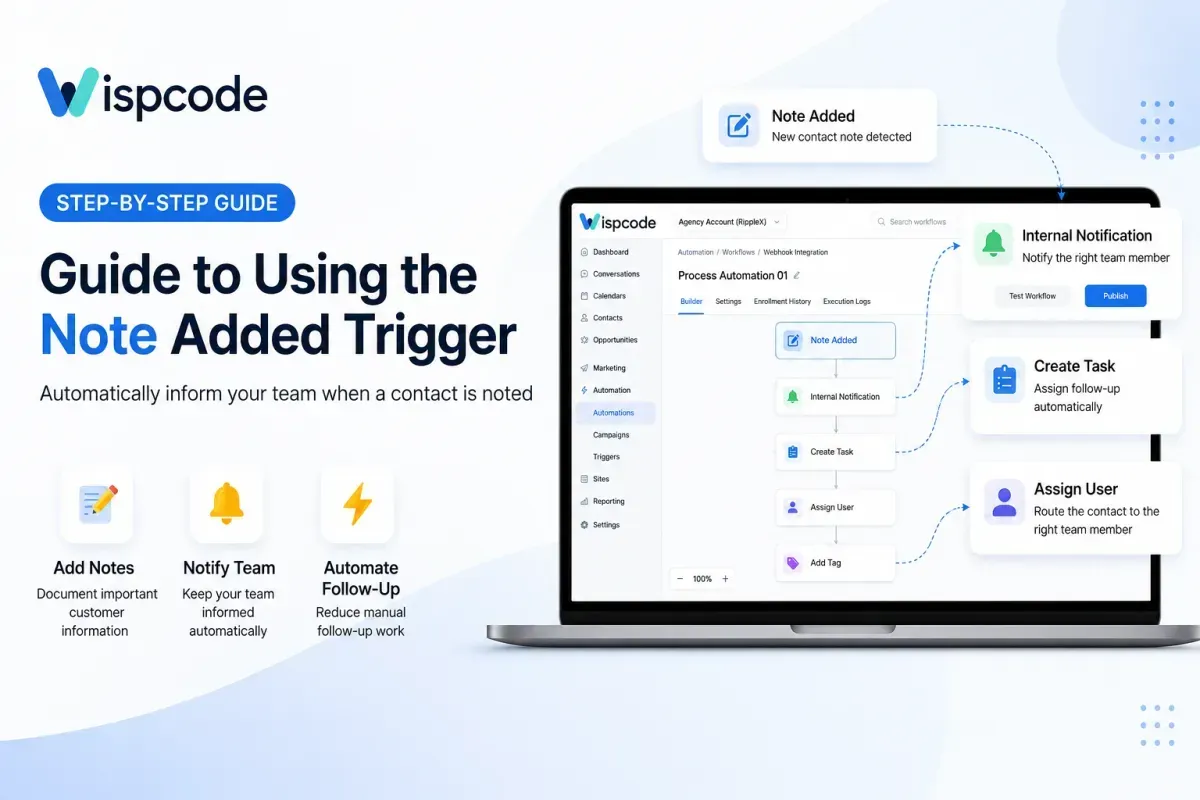
How to Use the Note Added Trigger in GoHighLevel
 Wispcode Team
Published on: 13/09/2026
Learn how to use the Note Added Trigger in GoHighLevel to automate internal notifications, follow-ups, tasks, and team workflows whenever a new contact note is added.
GoHighLevel Note Added TriggerNote Added Trigger GoHighLevelGoHighLevel workflow triggersGoHighLevel workflowsGoHighLevel automationGoHighLevel workflow automationGoHighLevel internal notificationsGoHighLevel CRM automationGoHighLevel notesWispcode
